
A personal setting is used to set the default page upon sign in.
Setting a Default Home Page
-
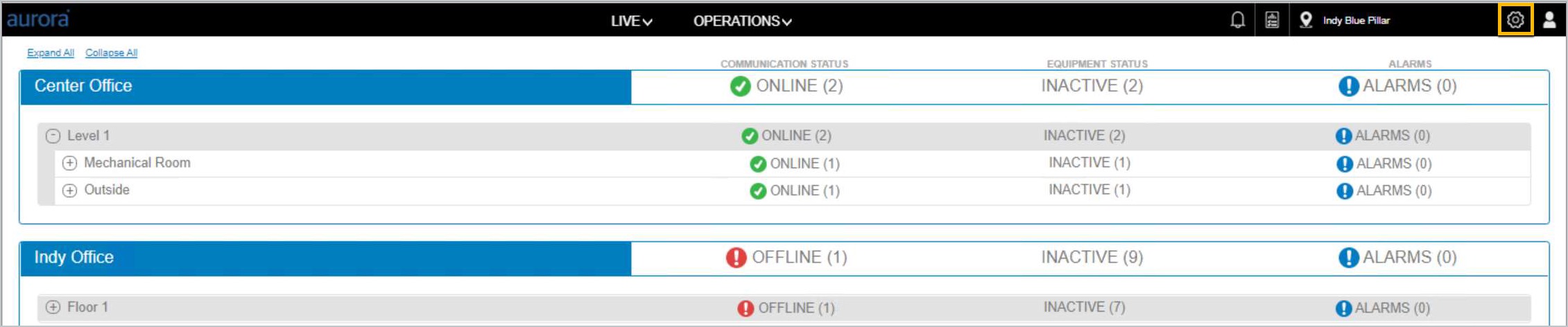
Click the settings icon in the page header; the platform will display s Set Default Home Page option.
-
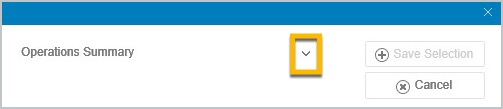
Click the down arrow to view the Home Pages available.
-
Highlight a selection to choose a new default. Then click Save.
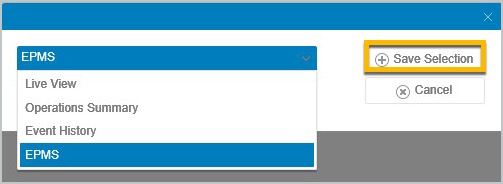
At the next Sign in, the platform will open at the selected default home page.
The Aurora on-prem version, including the last updated time, is also available by clicking the User profile icon in the page header.