
Live Views for Multiple Sites
The Aurora Live View screen displays a map with site pins at each of your locations—that is, where generator equipment and supporting assets operate. Site pins are color coded to provide an indication of site status.
Pin Color Status
Green | Site at ready state for engine testing or outage. |
Blue | Site performing engine testing. |
Yellow | Site has inactive or unacknowledged alarms. |
Red | Site currently in an outage or has active alarms. |
To view the site summary, there are two options:
Click the site pin or
Click to select a site from the menu at the top of the map.
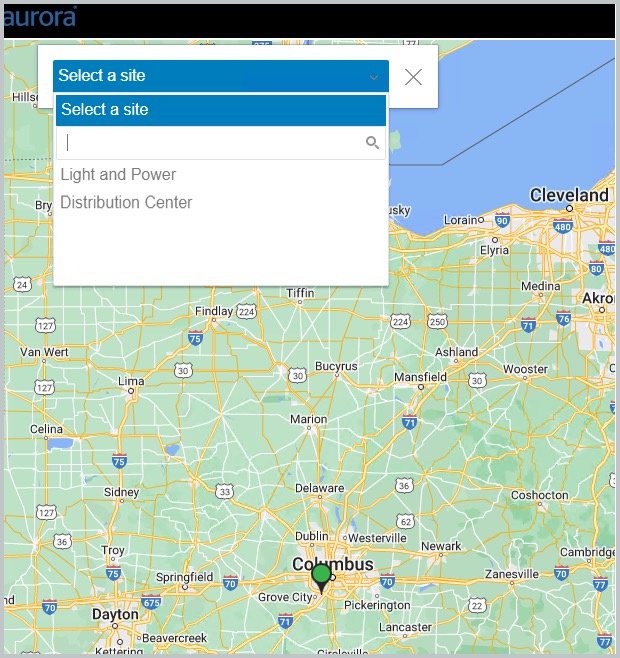
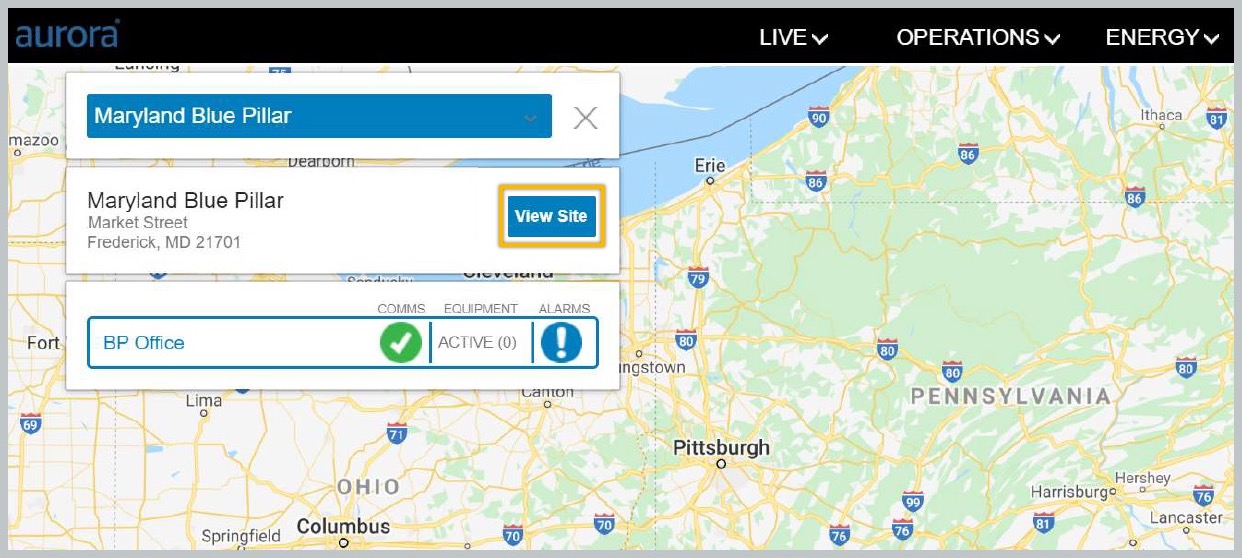
Once a site is selected, the application displays a site summary. This will include the Site Name, Site Address, System Name(s) with the corresponding comms, equipment and alarm status.
To view site details, click the View Site button. The application then displays live views. Further detail is described in the topics available from the left navigation.
Viewing Site Details